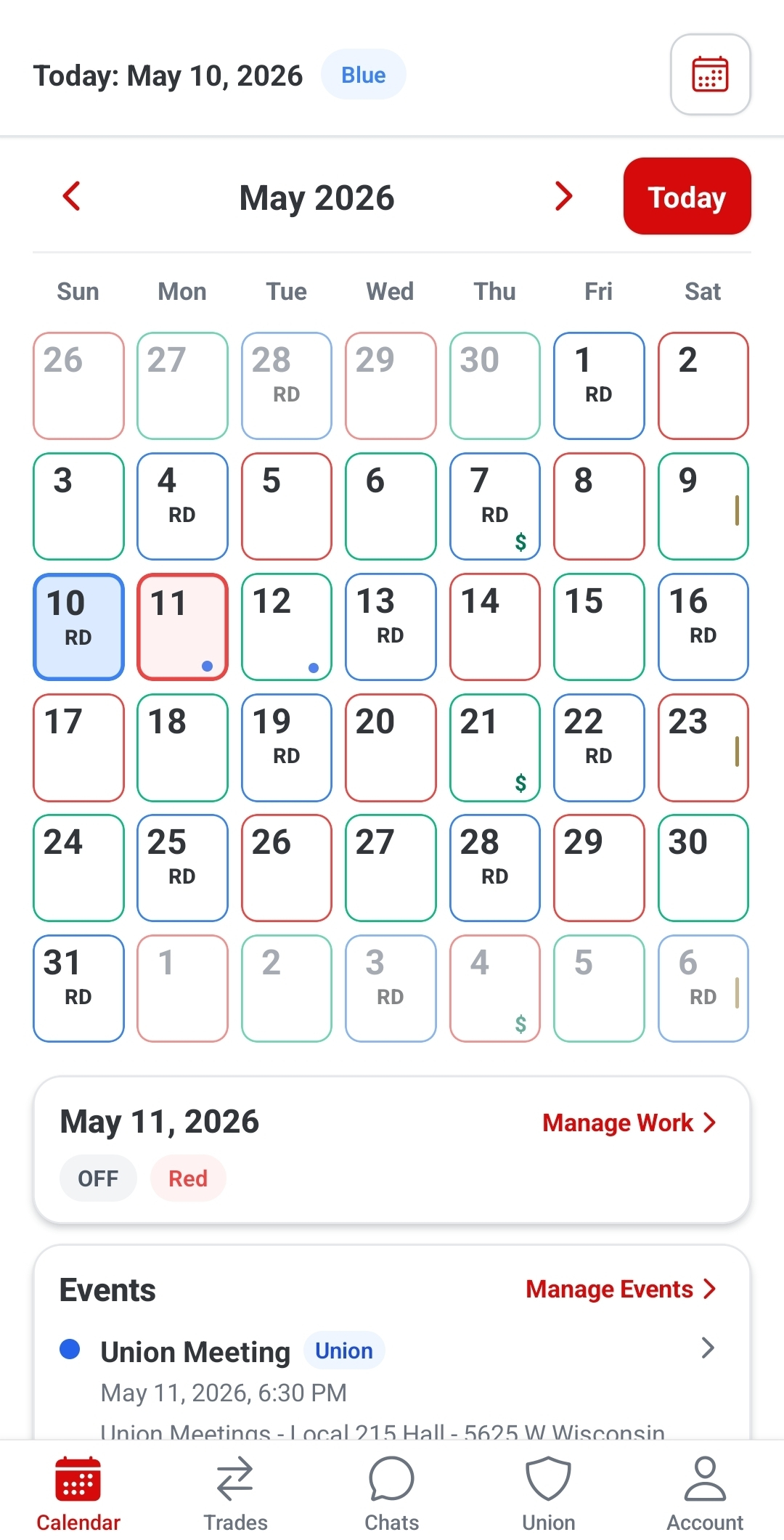
Calendar
See your schedule at a glance.
View your schedule, notes, events, and trade replies in one place.
- Identify shift days quickly
- View events and notes
- Tap a day to see details

Firefighter quick start
Platoon helps firefighters manage schedules, trades, chats, and union updates in one place.
Already have Platoon? Make sure you update to the newest version.
Quick start
Pick the task you need, then jump into the matching guide below.
View your schedule, events, notes, and trade replies in one place.
Post trades, browse available trades, and see requests without chasing texts.
Chat with members directly and keep trade messages in one place.
Stay updated with announcements, meetings, votes, and important union information.
Turn on push notifications so you do not miss trade replies or important updates.
Visual guide
Calendar
View your schedule, notes, events, and trade replies in one place.
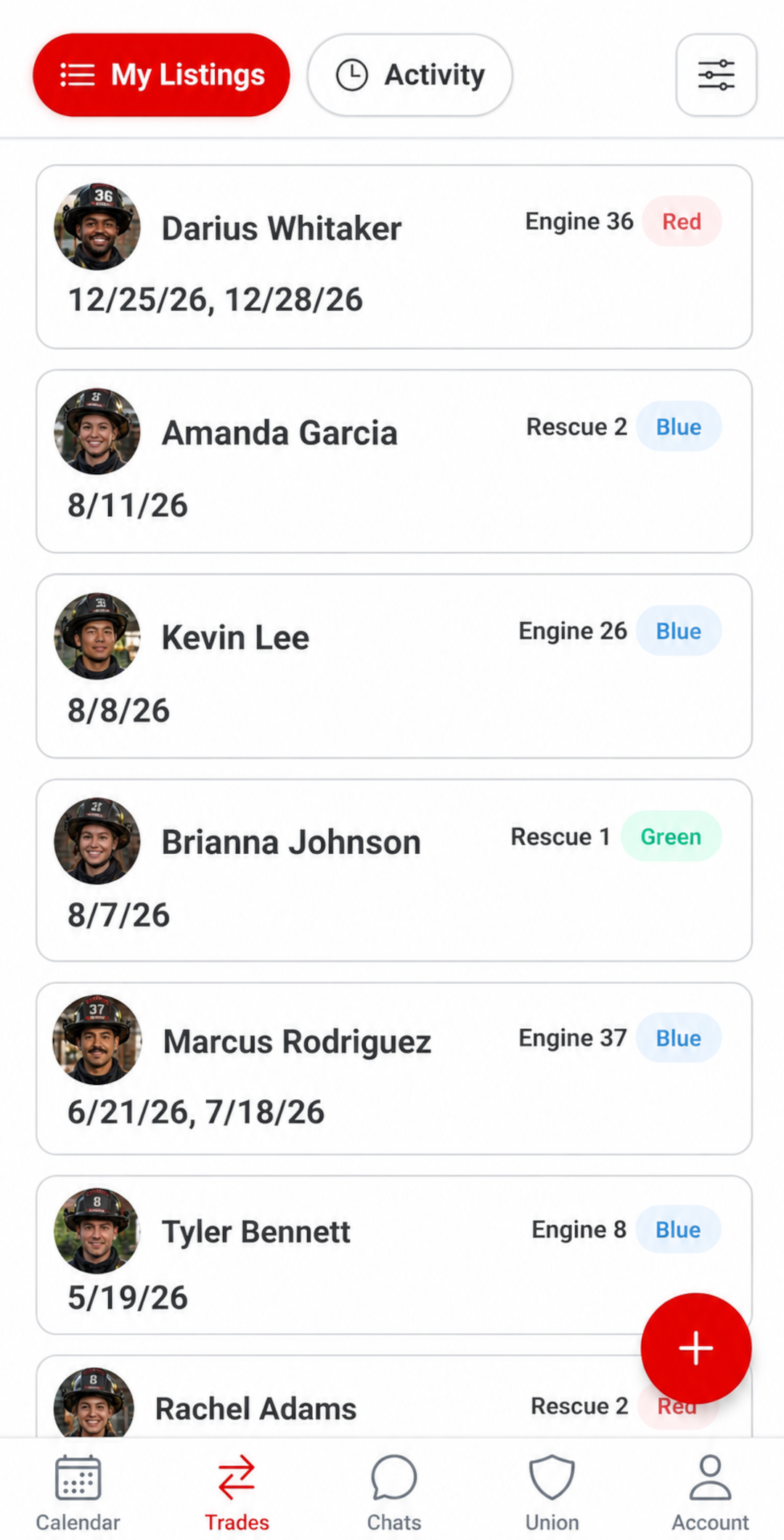
Trades
Post available trades, browse open trades, and keep requests in one place.
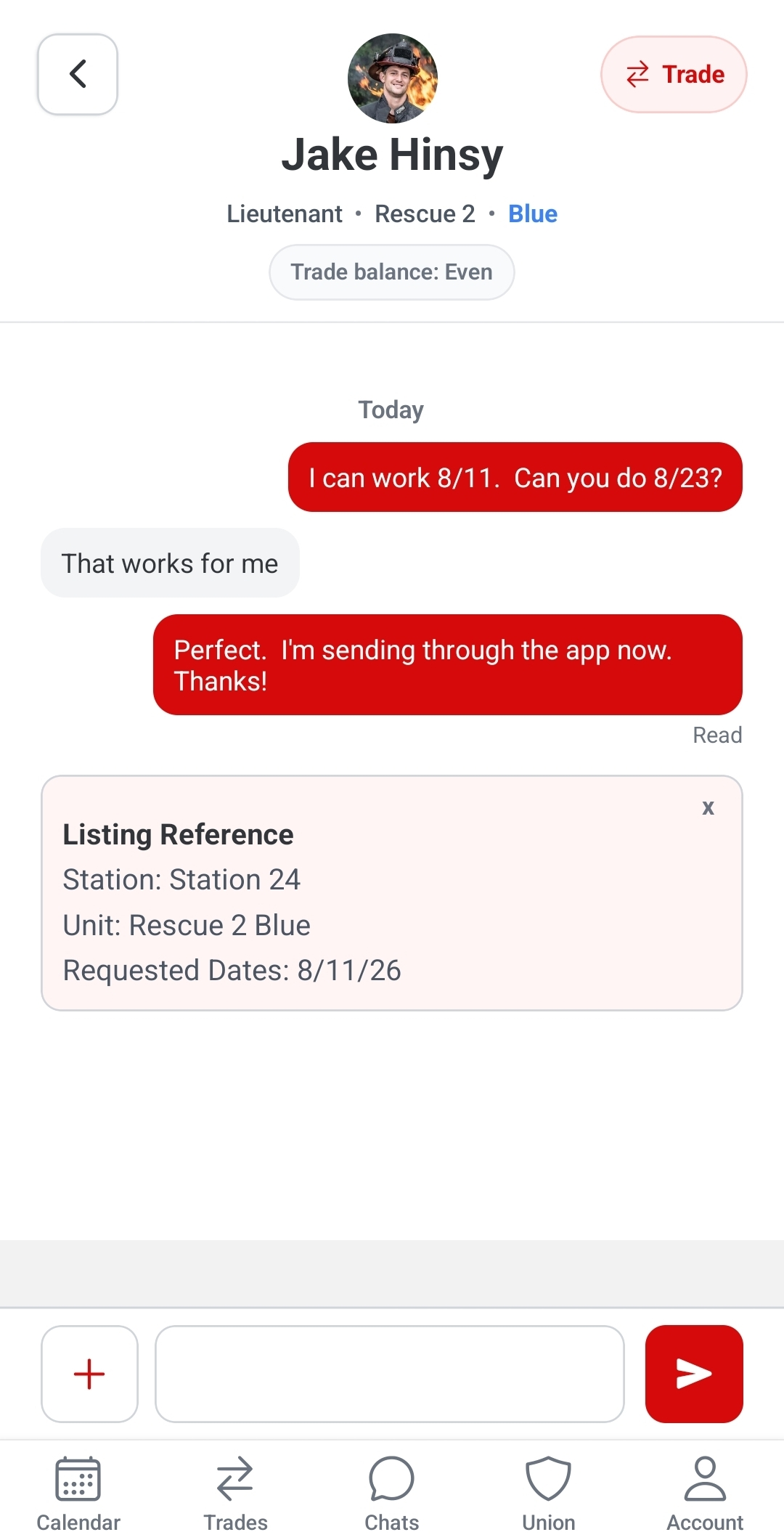
Chats
Keep trade messages and member chats in one place.
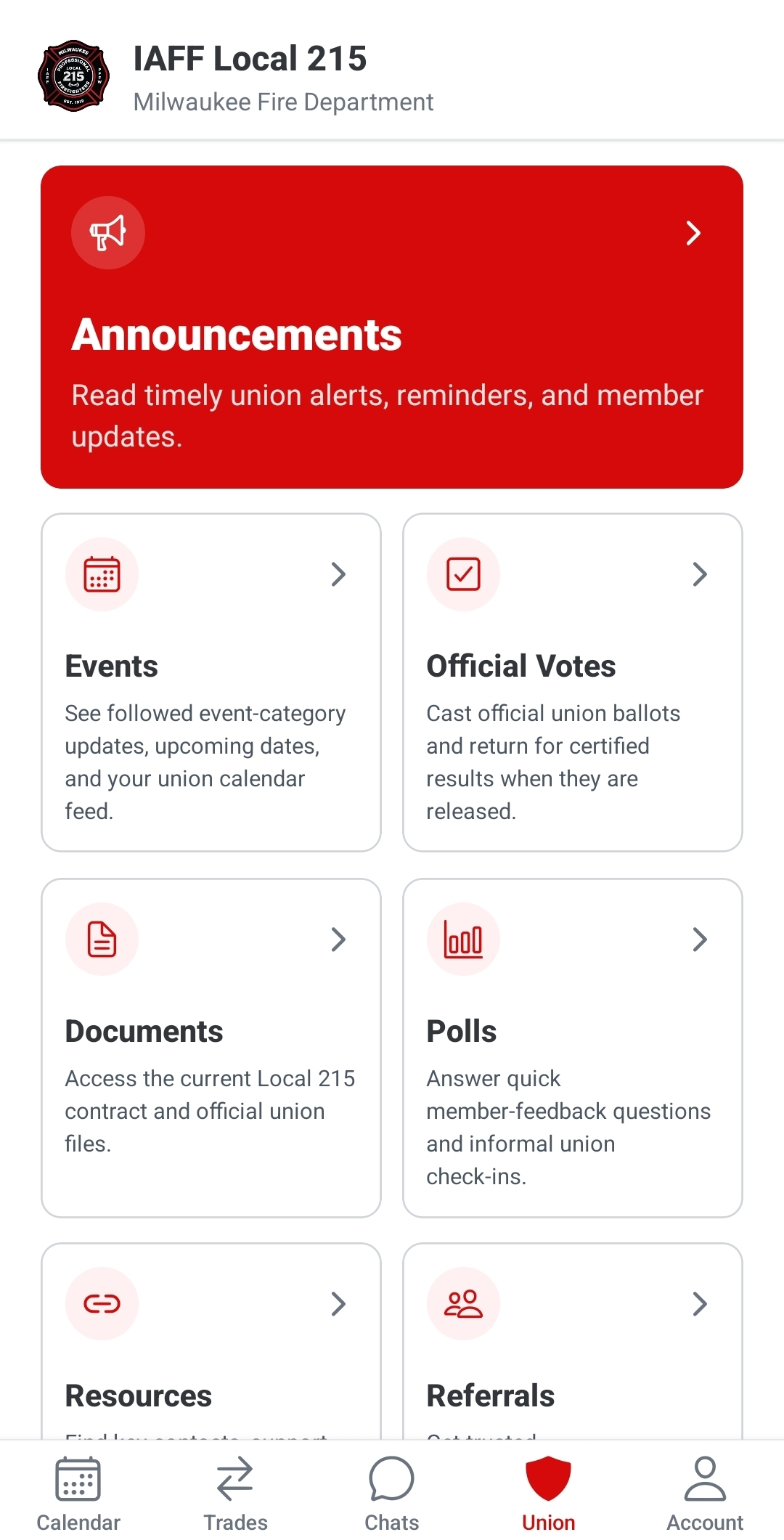
Union Updates
Access announcements, meetings, votes, and union resources.
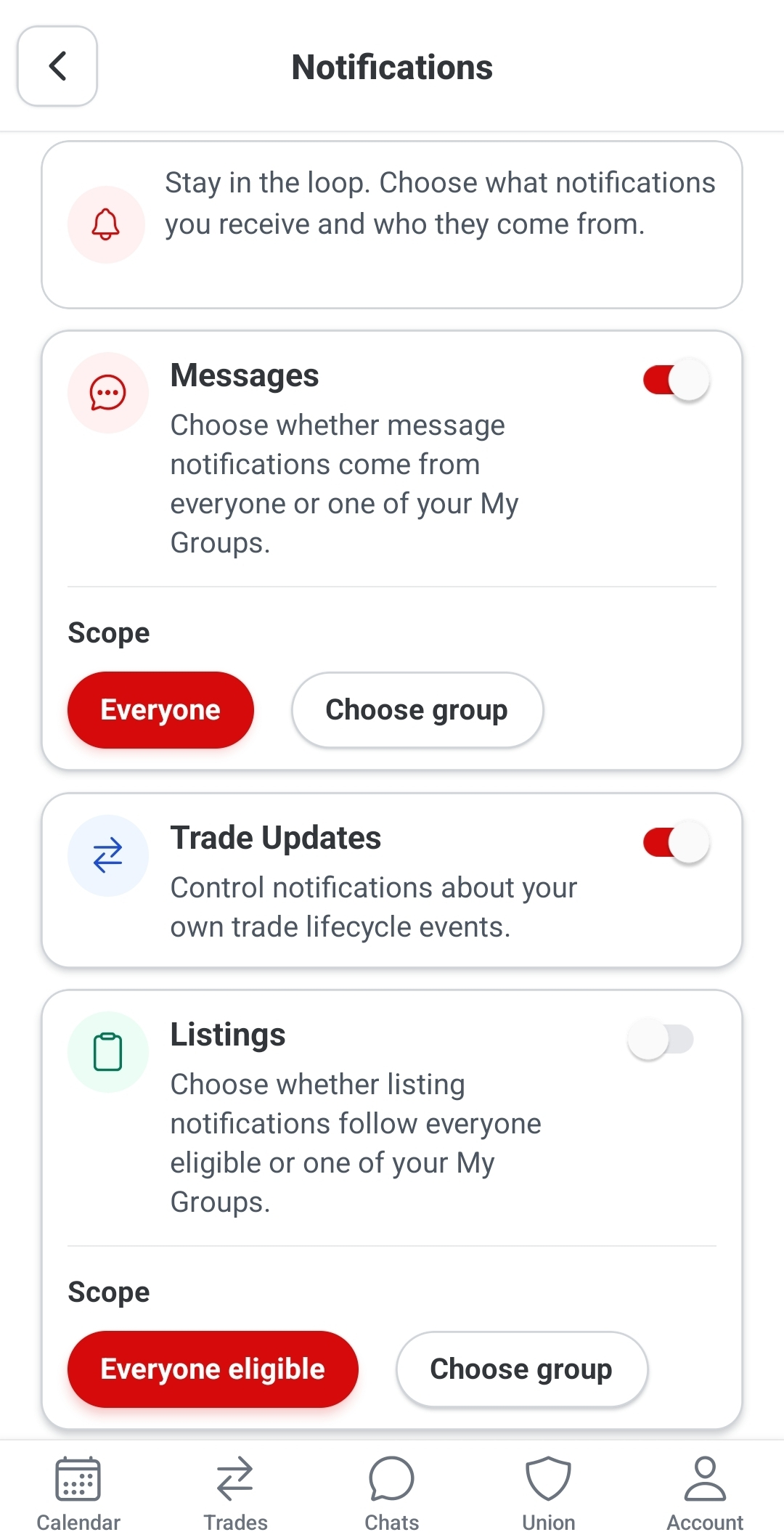
Notifications
Enable notifications so you do not miss important updates.
Coming soon
We are updating Platoon's guided tours to match the current app. In the meantime, use the quick-start guides above or contact Support for help with a specific task.
FAQ
Open the App Store or Google Play, search for Platoon, and tap Update if one is available.
Open Trades in the app, choose the shift you want to trade, add the details, and post it for members to see.
Check that notifications are turned on for Platoon in your phone settings and inside the app.
Open your profile or schedule settings in Platoon. If something still looks wrong, contact support with your department and assignment info.
Open Chats, find the member or conversation you need, and send your message from there.
Open the union area in Platoon to see announcements, meetings, votes, documents, and resources.
Send a support request with your name, department, and what you were trying to do.
Small habits
Keep your profile and assignment info up to date.
Turn on notifications for trades and union updates.
Use chats to keep trade plans in one place.
Check the app after updating to see what changed.
Tap calendar days to view shift details.
Support
Send a support request and include: